

Step-by-Step Guide to Mobile Accessory Care for Families
Every british parent knows devices are lifelines for work, school, and family connections. Yet studies show over 60 percent of households experience costly mobile accessory wear from everyday use. Protecting your devices without constant replacements matters when sticking to a family budget in a busy city like London. This guide highlights practical, budget friendly steps to keep those accessories clean, safe, and lasting longer, so you spend less time worrying about repairs and more time together.
Table of Contents
- Step 1: Gather Essential Cleaning Supplies Safely
- Step 2: Clean Phone Cases And Accessories Thoroughly
- Step 3: Protect Accessories With Proper Storage
- Step 4: Check All Accessories For Damage And Wear
Quick Summary
| Main Insight | Explanation |
|---|---|
| 1. Gather safe cleaning supplies | Collect mild disinfectants and protective gear to clean your devices without causing damage. |
| 2. Clean accessories with care | Follow product instructions closely when cleaning to avoid damaging phone cases and accessories. |
| 3. Organise storage effectively | Create dedicated storage solutions for your accessories to prevent damage and keep items accessible. |
| 4. Regularly inspect for wear | Conduct routine checks on all accessories to identify potential issues before they become major problems. |
| 5. Maintain a cleaning kit | Always have a portable cleaning kit handy for quick and convenient maintenance of your devices. |
Step 1: Gather essential cleaning supplies safely
Preparing the right cleaning supplies is crucial for effectively and safely caring for your mobile accessories. Your mission is to collect protective equipment and appropriate cleaning agents that will help maintain your devices without causing damage.
Start by gathering safe cleaning products recommended by safety guidelines. This means selecting mild disinfectants, soft microfibre cloths, and protective gear like disposable gloves. Parents should prioritise cleaning solutions specifically designed for electronic devices, avoiding harsh chemicals that might corrode delicate surfaces. When selecting products, carefully read manufacturer instructions and check compatibility with mobile phone materials.
Organise your cleaning kit systematically by separating electronics cleaning supplies from household cleaning agents. Store these items in a cool, dry location away from children’s reach, ensuring all containers are tightly sealed. Group your supplies in a dedicated container with clear labels, making it easy to locate what you need quickly during your device maintenance routine.
Top Tip: Always keep a small emergency cleaning kit with travel-sized cleaning wipes and a microfibre cloth in your bag for unexpected device maintenance moments.
Step 2: Clean phone cases and accessories thoroughly
Cleaning your mobile phone cases and accessories requires a systematic approach to ensure thorough sanitisation without causing damage. Your goal is to remove dirt, bacteria, and grime while preserving the integrity of your devices and protective gear.
Begin by checking product cleaning instructions carefully. Remove the phone case from your device and inspect it for any visible debris or stains. Use a soft microfibre cloth slightly dampened with mild disinfectant specifically designed for electronic accessories. Gently wipe all surfaces paying special attention to corners and edges where dirt tends to accumulate. Avoid saturating the case with liquid and never spray cleaning solutions directly onto the accessory.
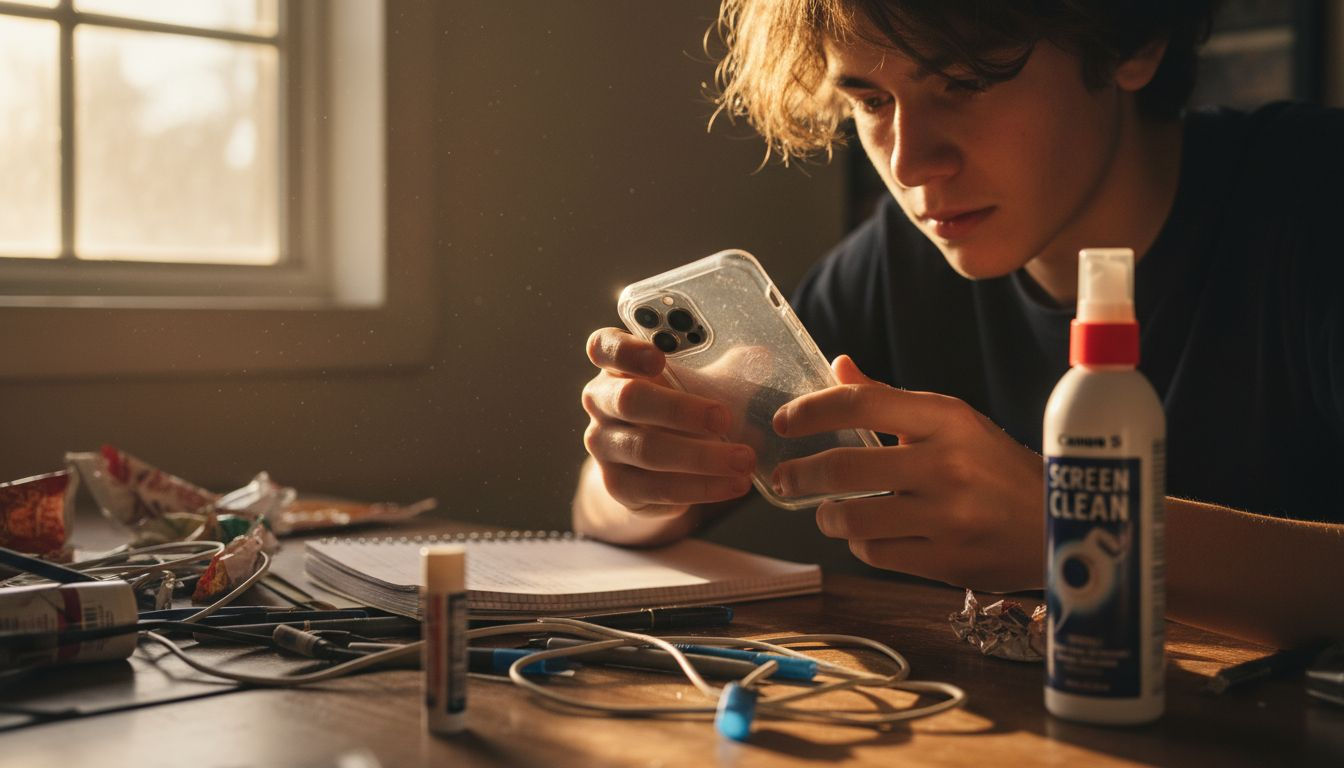
For more challenging cleaning tasks, create a gentle cleaning solution using warm water and a tiny amount of mild soap. Ensure the cloth is only slightly damp to prevent moisture damage. For silicone or rubber cases, you can use a soft bristled brush to remove stubborn grime. After cleaning, allow the case to air dry completely before reattaching it to your mobile device. Always check the manufacturer’s recommendations for specific materials like leather, hard plastic, or specialised protective cases.
Here’s a quick reference guide to cleaning methods for different phone case materials:
| Case Material | Recommended Cleaning Method | Risks of Incorrect Cleaning |
|---|---|---|
| Silicone/Rubber | Mild soap and soft brush | Discolouration, tearing |
| Hard Plastic | Microfibre cloth and gentle disinfectant | Cracking, surface clouding |
| Leather | Specialised leather cleaner, dry cloth | Staining, deterioration |
| Metal | Alcohol wipe, avoid harsh chemicals | Corrosion, tarnishing |
Top Tip: Keep a dedicated microfibre cloth and electronics cleaning spray in your device maintenance kit for quick and safe cleaning whenever needed.
Step 3: Protect accessories with proper storage
Safe storage of mobile accessories is crucial for maintaining their longevity and functionality. Your objective is to create a dedicated system that shields your devices and accessories from potential damage and environmental risks.
Valuables storage requires strategic planning to prevent physical harm and potential loss. Choose a cool, dry storage location away from direct sunlight and heat sources. Invest in protective cases or padded organisers specifically designed for electronic accessories. Separate delicate items like chargers, earphones, and screen protectors into individual compartments to prevent tangling or scratching. Consider using silica gel packets in your storage area to absorb moisture and protect against humidity damage.
Organise your accessories systematically by type and frequency of use. Create a dedicated charging station with surge protection for frequently used items, and use clear storage boxes or drawers with labels for less frequently used accessories. Keep original packaging for warranty purposes and store rarely used items in sealed, dust proof containers. Avoid storing accessories in locations with extreme temperature fluctuations or near windows where they might be exposed to direct sunlight or moisture.
To help you organise accessories effectively, compare these popular storage strategies:
| Storage Method | Key Benefits | Ideal For |
|---|---|---|
| Padded organiser | Prevents scratches and impact | Frequent travellers |
| Separate compartments | Easy item retrieval | Multiple small accessories |
| Colour-coded containers | Quick identification | Busy households |
| Original packaging | Warranty and documentation | Rarely used items |
Top Tip: Colour code or label your accessory storage containers to quickly identify and locate specific items during busy moments.
Step 4: Check all accessories for damage and wear
Regular inspection of mobile accessories is essential to ensure their continued performance and safety. Your mission is to conduct a thorough examination that identifies potential issues before they become significant problems.
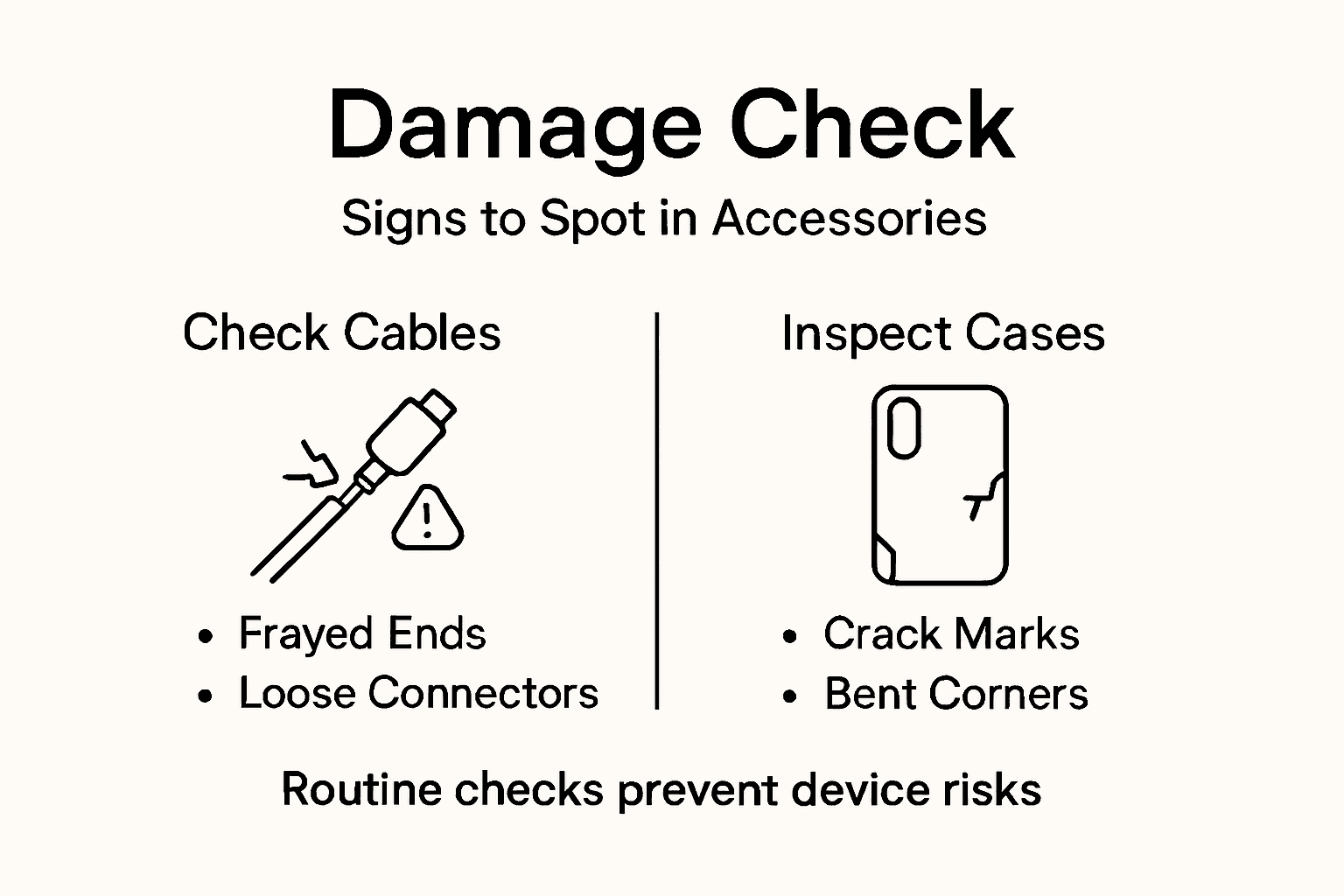
Routine equipment inspections prevent potential failures and maintain device reliability. Start by gathering all your mobile accessories in a well lit area with good natural light. Carefully examine each item for signs of wear such as fraying charging cables, cracks in phone cases, scratches on screen protectors, or corrosion on charging ports. Pay special attention to areas that experience frequent stress like cable connection points, hinges on protective cases, and screen edges.
For electronic accessories, check battery connections, look for any swelling or discolouration, and test functionality by connecting devices to confirm they operate correctly. Inspect wireless earbuds for signs of wear on silicone tips, check charging contacts for dirt or oxidation, and ensure bluetooth connections remain stable. If you discover any damage, assess whether repair or replacement is more cost effective. Some minor issues like cable fraying can be addressed with electrical tape or replacement parts, while significant damage might require complete accessory replacement.
Top Tip: Create a simple digital spreadsheet to track your mobile accessories condition and replacement dates for more systematic maintenance.
Protect Your Family’s Mobile Accessories with Confidence
Caring for your family’s mobile accessories can feel overwhelming with concerns about cleaning safely, preventing damage, and organising devices efficiently. This step-by-step guide highlights the challenges of maintaining phone cases and chargers while avoiding harmful chemicals or accidental wear. At StudioShake, we understand the importance of durable and reliable protection that fits your busy family lifestyle.
Discover our wide selection of Tech Accessories – StudioShake that are designed to safeguard your devices through everyday use. Whether you need robust phone cases or smart storage solutions, we have products crafted to reduce wear and keep your accessories spotless. Acting now helps you avoid costly replacements and keeps your technology safe for longer.
Explore the full range at StudioShake to find the perfect protective gear for your mobile essentials. Don’t wait until wear and damage take their toll – take control of your device care with trusted accessories available at https://studioshake.co.uk. Step into smarter mobile protection today.
Frequently Asked Questions
How can I safely gather cleaning supplies for my mobile accessories?
Start by collecting mild disinfectants, soft microfibre cloths, and disposable gloves. Ensure you organise these cleaning supplies separately from household cleaners and store them in a cool, dry location out of children’s reach.
What is the best method to clean different types of phone cases?
For silicone or rubber cases, use mild soap with a soft brush, while hard plastic cases can be wiped with a microfibre cloth and gentle disinfectant. Always allow the case to air dry completely before reattaching it to your mobile device.
How should I store mobile accessories to protect them?
Create a dedicated storage system in a cool, dry place away from sunlight. Use padded organisers and separate compartments for delicate items to prevent tangling and scratching, ensuring that your accessories remain safe and functional.
What signs of damage should I look for when inspecting mobile accessories?
Check for fraying cables, cracks in cases, or swelling in batteries during your routine inspection. Identify any functional issues, such as charging problems, and consider whether repair or replacement is more cost effective.
How often should I clean and inspect my mobile accessories?
Aim to clean your mobile accessories every few weeks and conduct a thorough inspection at least once a month. This routine will help you maintain their performance and extend their lifespan significantly.
Recommended
- The Essential Guide to Why Use Mobile Accessories – StudioShake
- Organize Mobile Accessories for a Clutter-Free Home – StudioShake
- Choosing Safe Phone Accessories: A Parent’s Guide in London – StudioShake
- Mobile Gadget Protection Guide for Parents and Adults UK – StudioShake
- How to Choose Guitar Accessories for a Better Sound | MusicStreet