

Mobile Gadget Protection Guide for Parents and Adults UK
More than 90 percent of british households own at least one mobile device, making everyday gadget safety a real concern. With so many families juggling smartphones and tablets, the risk of damage or digital threats rises quickly. Knowing how to assess risks and choose the right protection can help you avoid costly repairs. This guide gives practical steps to shield your devices, especially those used by children, so you can keep your technology safe and ready for daily life.
Table of Contents
- Step 1: Assess Your Devices And Daily Risks
- Step 2: Select Appropriate Protective Cases And Accessories
- Step 3: Install Screen Protectors And Essential Covers Correctly
- Step 4: Apply Waterproofing And Shockproofing Features
- Step 5: Test Device Protection For Everyday Use
Quick Summary
| Key Insight | Explanation |
|---|---|
| 1. Conduct a thorough device assessment | Inventory all devices to identify vulnerabilities and ensure they have up-to-date security settings. |
| 2. Choose protective cases wisely | Select cases based on specific device needs, focusing on durability and shock absorption for safety. |
| 3. Properly install protective accessories | Follow meticulous steps for installing screen protectors and cases to maximise protection efficiency. |
| 4. Implement waterproofing and shockproofing | Invest in high-quality cases with waterproof seals and shock absorption features for environmental safety. |
| 5. Regularly test and assess protection | Conduct real-world tests and routine inspections of protective items to ensure continued effectiveness and safety. |
Step 1: Assess your devices and daily risks
Protecting your mobile devices begins with a thorough understanding of potential risks and vulnerabilities. According to research from King’s College London, one in four children and young people exhibit problematic smartphone usage patterns, which underscores the critical need for proactive device risk assessment.
Start by conducting a comprehensive inventory of all mobile devices in your household. Examine each smartphone, tablet, and portable gadget for current protection levels. Check software updates, screen protections, and existing security settings. Look for potential weak points such as outdated operating systems, disabled security features, or lack of parental controls. Pay special attention to devices used by children or teenagers, as they are often more vulnerable to digital risks.
A practical strategy involves creating a device risk profile for each gadget. Document details like current security settings, installed apps, and potential exposure points. This approach helps you systematically identify and mitigate risks before they become serious problems. Remember, prevention is always more effective than addressing security issues after they occur. Phone Gadget Protection Steps for Reliable Device Safety can provide additional insights into creating a robust mobile protection strategy.
Step 2: Select appropriate protective cases and accessories
Choosing the right protective cases and accessories is crucial for safeguarding your mobile devices. According to the UK Home Office, consumers should carefully consider multiple factors when selecting mobile device protection.
Begin by assessing the specific needs of each device in your household. Different devices require different levels of protection based on their usage and user profile. For smartphones and tablets used by children, prioritise robust cases with shock absorption and raised edges to prevent screen damage. Consider materials like silicone, hard polycarbonate, or hybrid cases that offer multiple layers of protection. Look for cases with reinforced corners and precise cutouts that allow full functionality while maintaining device security.
When selecting accessories, focus on quality and compatibility. Guide to Phone Case Materials: Choose the Best Fit can help you understand the nuances of different protective materials. Screen protectors are essential additional accessories that can prevent scratches and cracks. Opt for tempered glass protectors that offer superior protection compared to standard plastic films. Remember that investing in high quality protective gear now can save you significant repair or replacement costs in the future.
Step 3: Install screen protectors and essential covers correctly
Proper installation of screen protectors and device covers is critical for ensuring maximum protection. According to the UK Home Office, secure device management begins with meticulous application of protective accessories.
Start by preparing a clean workspace with good lighting and minimal dust. Thoroughly clean your device screen using a microfibre cloth and alcohol wipe to remove all dust particles and fingerprints. For tempered glass screen protectors, carefully align the protector with your device edges before gentle application. Use a soft squeegee or included applicator to remove air bubbles systematically from the centre outwards. When applying phone cases, ensure precise alignment with device ports and buttons to maintain full functionality.
Precision matters during installation. Complete Guide to Mobile Screen Protectors recommends taking your time and being patient during application. Avoid rushing the process to prevent misalignment or trapped dust. A single careful installation can protect your device from scratches, cracks, and potential impact damage for months to come.
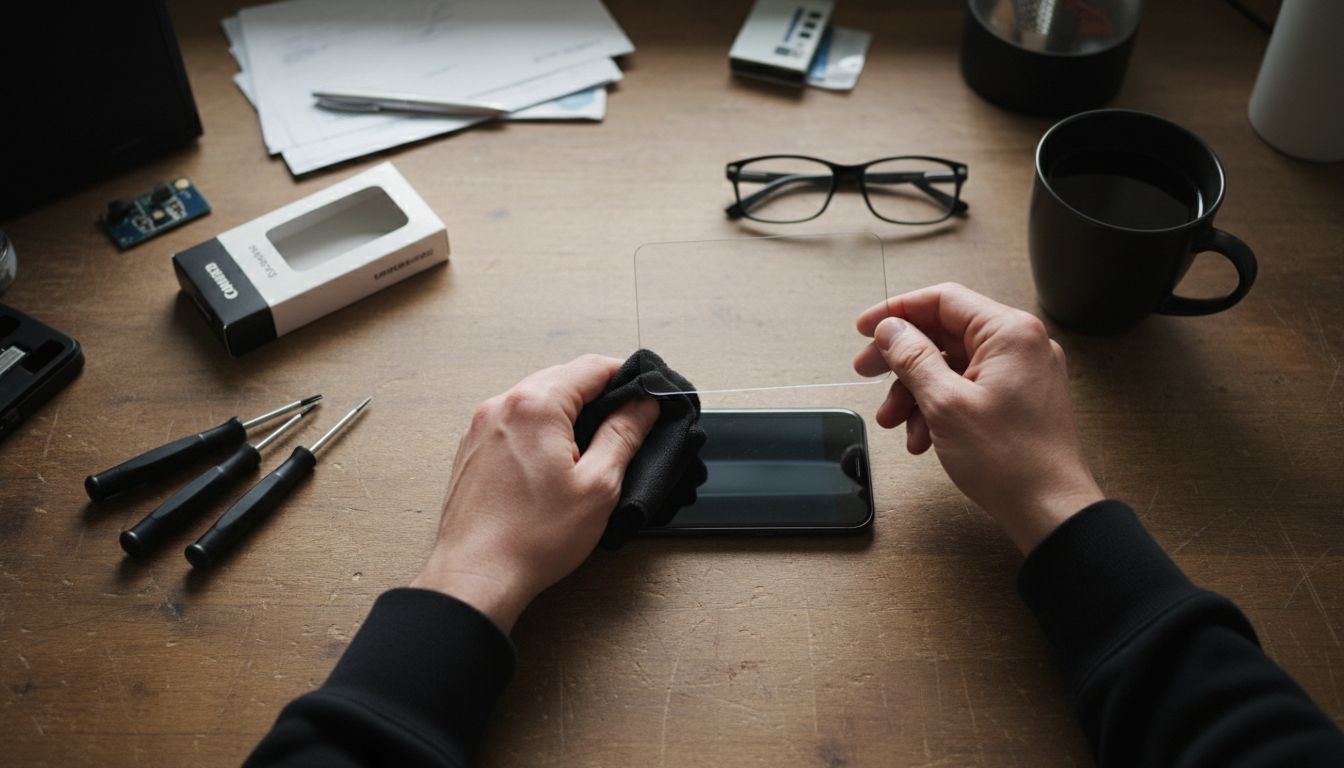 Take extra care with devices used by children, as they are more likely to experience accidental drops and impacts.
Step 4: Apply waterproofing and shockproofing features
Protecting mobile devices from potential physical damage requires strategic application of waterproofing and shockproofing features. According to the UK Home Office, secure device management extends beyond basic protection to comprehensive environmental safeguarding.
Choose high quality waterproof cases specifically designed for your device model. These cases typically feature sealed edges, rubberised seals around ports, and multilayer construction that prevents moisture penetration. When selecting shockproof options, prioritise cases with air cushion technology or reinforced corner protection. These designs absorb impact energy and distribute force away from sensitive device components. Pay special attention to devices used in challenging environments like kitchens, workshops, or outdoor settings where accidental drops or liquid exposure are more likely.
Shockproof Cases Explained: Benefits and UK Uses highlights the importance of matching protection levels to your specific lifestyle needs. Remember that not all waterproof cases offer identical protection ratings. Check for official IP water resistance certifications and understand the specific depth and duration of water protection your case provides. Regular inspection of seals and protective layers will help maintain your device’s long term safety and functionality.
Step 5: Test device protection for everyday use
Evaluating the effectiveness of your mobile device protection requires systematic and practical testing across various real world scenarios. According to the UK Home Office, comprehensive device management involves understanding how protective measures perform under different conditions.
Begin by conducting controlled tests that simulate everyday risks. Drop your device from standard heights onto soft surfaces like carpet or cushions to assess shock absorption capabilities. Check waterproof seals by carefully submerging the device in a controlled environment such as a bowl of water for the manufacturer recommended duration. Examine how protective cases handle common challenges like accidental bumps, exposure to dust, and temperature variations. Pay particular attention to devices used by children or in high activity environments where unexpected impacts are more frequent.
Phone Gadget Protection Steps for Reliable Device Safety emphasises the importance of ongoing protection assessment. Regularly inspect your device and its protective accessories for signs of wear or damage. Look for hairline cracks in screen protectors, weakening of case seals, or reduced shock absorption performance. Remember that protection is not a one time installation but a continuous process of monitoring and maintenance to ensure your valuable devices remain safeguarded against potential damage.
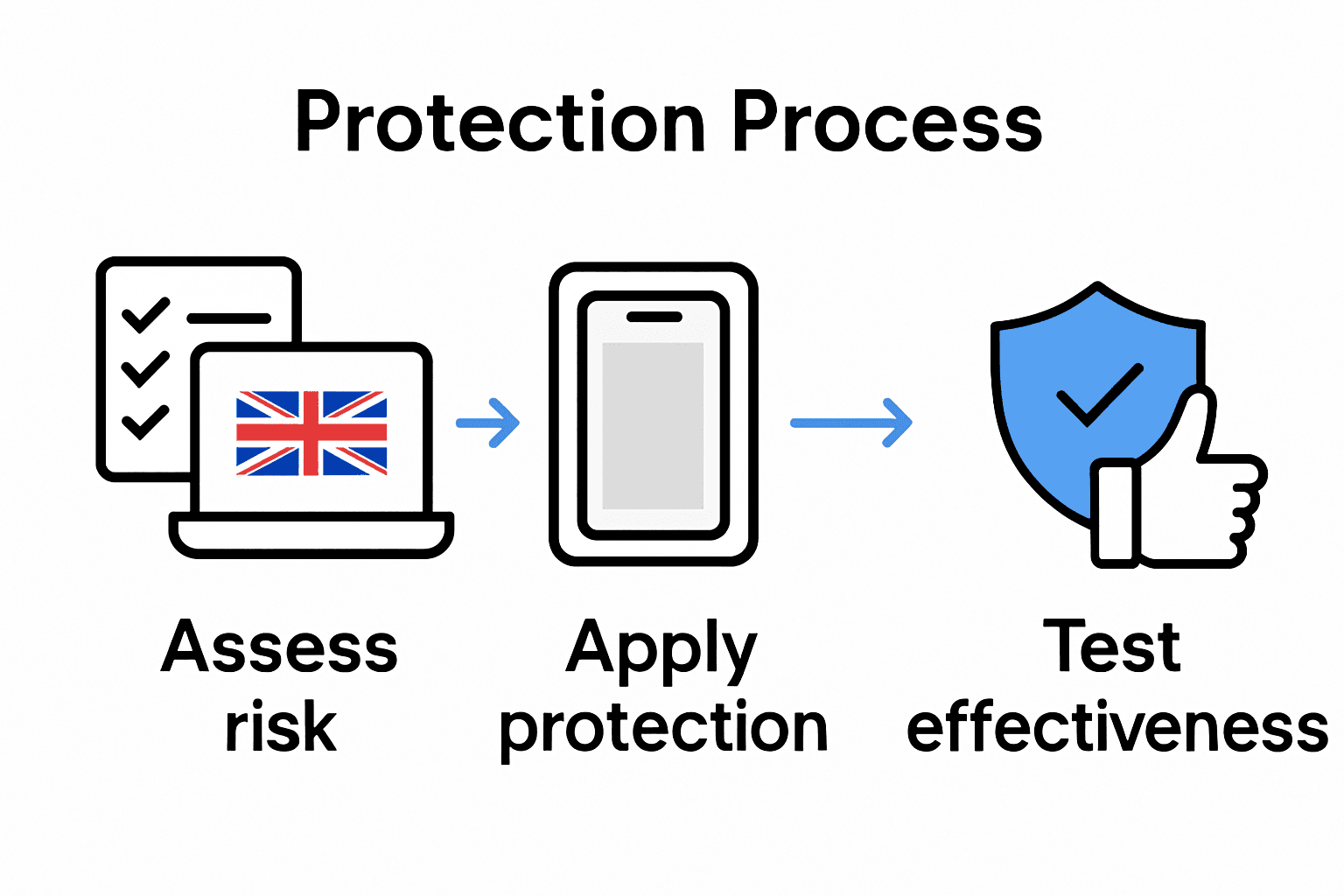
Protect Your Devices with Confidence Using StudioShake
The challenges of safeguarding mobile gadgets from drops, scratches, and water damage demand more than just awareness. This guide highlights the essential steps for parents and adults to assess risks and apply the right protective solutions with care. Don’t leave your devices vulnerable to everyday accidents or unexpected mishaps that could lead to costly repairs or replacements.
Discover sturdy and stylish protection tailored to your needs at StudioShake.

Explore our extensive collection including both premium options for the latest smartphones like those in the Samsung Galaxy range and our customer favourites found under Our Bestsellers. Protecting your devices today means peace of mind tomorrow. Visit StudioShake now to find the perfect cases and accessories that combine practical durability with everyday style. Act now to keep your mobile gadgets secure wherever life takes you.
Frequently Asked Questions
How can I assess the risk level of my mobile devices at home?
Begin by conducting a thorough inventory of all mobile devices, noting their current security settings and existing protections. Check for software updates, parental controls, and any vulnerabilities, especially on devices used by children.
What type of protective cases should I choose for my children’s devices?
Select robust cases that provide shock absorption and have raised edges to prevent screen damage. Materials like silicone or hard polycarbonate are recommended to ensure your children’s devices can withstand everyday wear and tear.
How do I properly install screen protectors on mobile devices?
Ensure the screen is clean before applying the protector, using a microfibre cloth and alcohol wipe to eliminate dust and fingerprints. Align the screen protector carefully and use a soft squeegee to push out air bubbles for the best fit.
What waterproofing features should I look for in gadget protectors?
Choose waterproof cases with sealed edges and reinforced construction to prevent moisture penetration. Look for products with official certifications to ensure they suit your lifestyle and environment.
How can I test the effectiveness of my device’s protection?
Conduct practical tests such as dropping the device from standard heights onto soft surfaces to evaluate shock absorption. Regularly check for signs of wear on protective accessories and ensure they perform well under real-life conditions.
How often should I inspect my mobile device protections for wear?
Regularly inspect your device protections every month, looking for signs of wear such as cracks in screen protectors or weak seals in cases. Early detection of damage can significantly prevent bigger issues, potentially saving you repair costs.